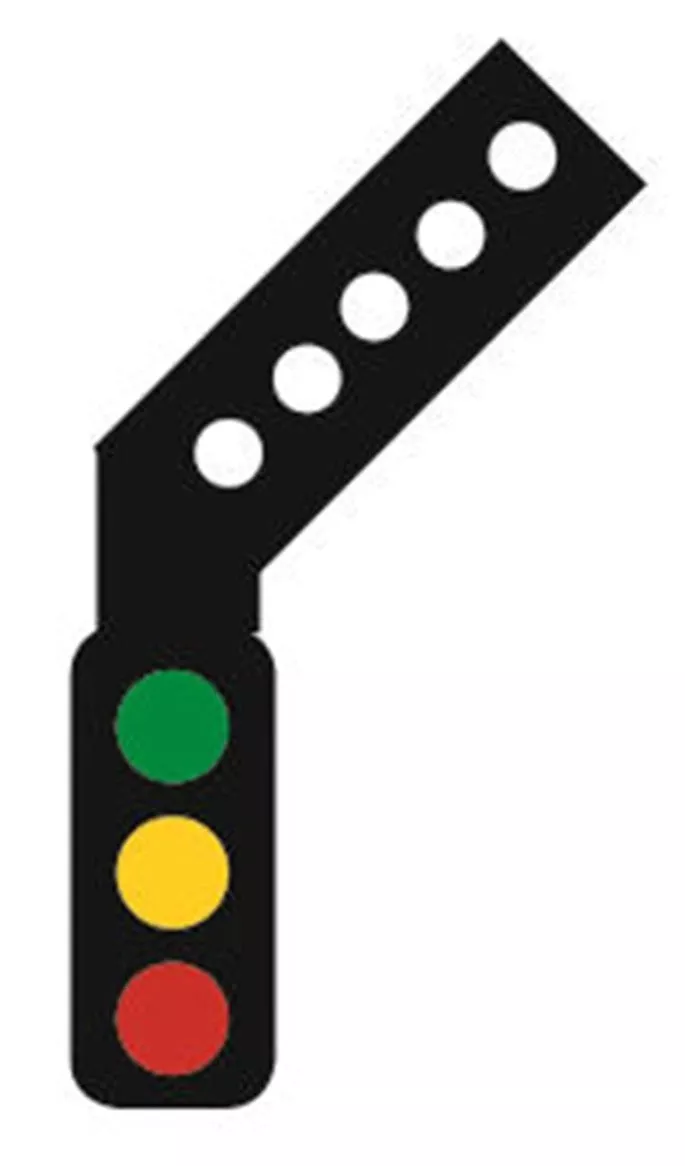
Manufacturer catalogue image - please note that pre-release images may be CAD renders or CGI/AI images rather than photographs
Manufacturer description
With the use of the Sensor Signal developed by Train Tech you can easily add automatic signalling into your layout in seconds. The signals work by detecting a locomotive, or full train passing by it using a very small infrared sensor built in to the signal base. As soon as the locomotive has passed the sensor the signal changes to red and will stay red for about seven seconds to let the train clear the block. It then reverts back to green.
If more than one signal is being used in a section, such as a distant and home combination, the two signals can be linked by a single wire. This enables a signal sequence to be activated when the train passes the first signal. As the locomotive passes the first sensor the signal changes to red (as before) but as the train passes the second sensor the previous signal reverts to green and the additional signal changes to red which gives fully automatic block signalling, just like the real railway.
If you have multiple aspect signals (3 and 4) the yellows are also incorporated into this sequence. These signals are easy to set up and only require a single wire to link them all together to the sequence.
These signals can be used on both DC and DCC layouts using two methods of installation.
On DCC layouts you just need to connect the base prongs to the underside of the rails (like a power clip) this then enables them to be given a DCC address or run them automatically. To install these signals onto an existing layout you can cut the prongs off at the dotted lines and solder two wires onto the back of the PCB and run the wires to the power Bus Wires.
On DC layouts you need to cut the prongs at the dotted lines and solder two wires onto the base and connect them to a smooth 12V DC power supply. If you do not already have a suitable smooth DC supply then we recommend the GMC-WM4 which gives great value for money and 1.25 amps of power, enough to power about 20 signals per supply.
The Feather on this signal can be controlled separately by programming it to a different address or by connecting it to a point motor with auxiliary terminals of DC use.
On both DC or DCC these sensor signals can be linked to the Mimic switches for a manual override to red, control of a route indication and LEDs indicating signal colour and track occupation.
Catalogue listing
Supplier Links


Supplier links are provided for your convenience and do not guarantee that the product is currently available. RailwayModels.uk is not a representative of these suppliers, but may receive a commission when purchases are made through links on this page.